
An AI tool data access checklist for businesses should cover more than whether a tool can connect to email, shared files, or a customer system. Before launch, understand what information it can read, what actions it can take, what data leaves your environment, and what happens to that data afterward.
These checks are useful for businesses in the Daytona area considering AI for everyday work. Start with a narrow, low-risk use case, then confirm each part of the connection before expanding access.
Map the connection before approving it
Ask the person proposing the tool to describe the full flow of information. A connection may allow the AI to search messages, summarize files, draft replies, update records, or send content to other systems. Those are different permissions with different consequences.
- What can it read? Identify the mailboxes, folders, files, customer fields, and other sources it can access.
- What can it change? Check whether it can edit or delete files, update customer records, change settings, or create tasks.
- What can it send? Find out whether it can send email, share files, post messages, or trigger an action outside the business.
- What is transmitted? Determine what prompts, attachments, records, and generated outputs are sent to the provider or connected services.
- What remains afterward? Ask what is logged or retained by the tool, provider, and any connected service.
Do not treat read-only access as equivalent to permission to act. A tool that can draft a message for review has a different risk profile from one that can send it directly.
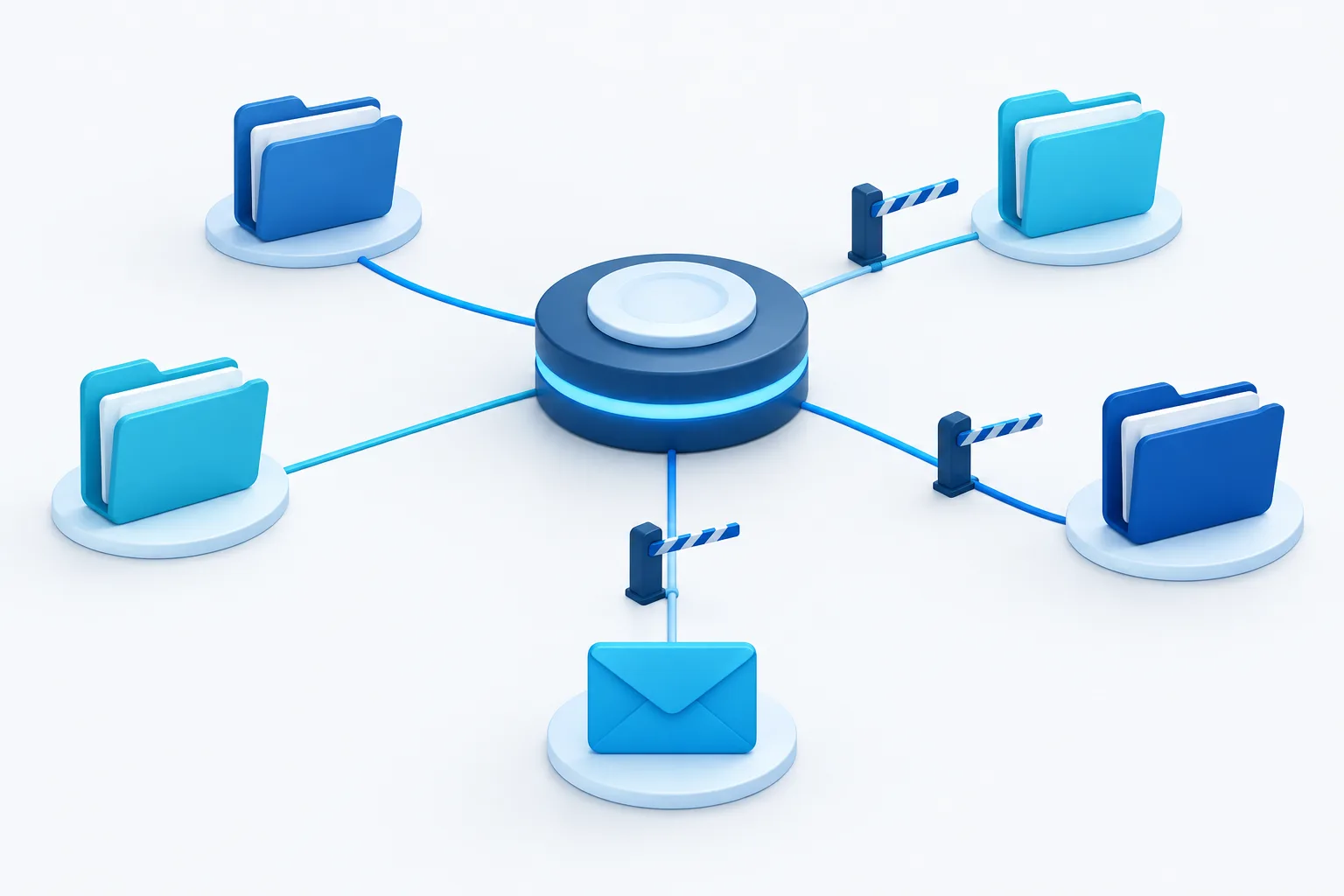
Begin with the least access needed
Use the principle of least privilege: grant the tool only the access required for its approved task. Avoid connecting a broad company account or entire file repository when a limited mailbox, selected folder, or small test dataset will do.
Set boundaries before testing. Decide which accounts and records are in scope, which information must stay out, and who is allowed to approve a change in access. Use sample or non-sensitive information when it can demonstrate the workflow without exposing live customer or employee data.
Check how permissions are granted, where they can be reviewed, and how they can be withdrawn. If the tool uses a separate account, token, or integration, document who owns it and who can disable it. The guide to choosing a focused AI pilot task can help frame a limited test before considering a wider rollout.
Ask the provider specific data-handling questions
General statements about privacy may not answer what happens to your business information. Ask the provider for clear, written answers about the product and plan you intend to use. Review the service terms, privacy terms, and any agreement covering your organization’s use.
- Model training: Can prompts, uploaded files, generated outputs, or connected business records be used to train or improve models? Can that use be disabled, and does the answer apply to all relevant features?
- Retention: How long are prompts, files, logs, and outputs kept? Does the period differ for support, security, or product improvement?
- Deletion: How can your organization request deletion, what data is covered, and what confirmation will the provider supply?
- Subcontractors: Which other providers may process the information, and what protections or limits apply to them?
- Security and incidents: What safeguards are described, and how will the provider notify your organization if an incident affects its information?
- Contract terms: Check whether the written terms explain permitted use, data ownership, confidentiality, retention, deletion, and how changes to the service or terms are communicated.
Record the answers and the date you reviewed them. If an answer is unclear, do not assume the tool handles data in the way your business expects. A structured vendor review can also complement broader IT vendor management practices.
Keep human review for consequential actions
Decide which outputs require approval before they are used. At minimum, consider requiring a person to review external messages, changes to customer or employee records, sensitive summaries, and actions that could affect a business decision. Review is especially important when the source information is incomplete or the result could be difficult to undo.
Make the reviewer’s role clear. They should be able to check the source material, correct mistakes, and stop an action rather than simply approve whatever the tool suggests. Keep a record of who approved important changes when that is appropriate for your workflow.
For an initial test, keep the AI in a draft or recommendation role. Once the business has assessed its accuracy and behavior, decide whether any action can be automated further. The NIST Generative AI Profile provides a risk-management framework that can inform how an organization evaluates generative AI use.
Check industry and confidentiality obligations
Organizations handling sensitive information should review the proposed use with the people responsible for their privacy, security, and compliance obligations. The right questions depend on the information involved, the organization’s role, and the tool’s actual data flow.
For healthcare organizations, determine whether protected health information will be involved and assess whether the vendor relationship requires a business associate agreement. Confirm the answer for the specific workflow with your compliance contact or qualified adviser before connecting live records.
Florida law firms should also consider confidentiality when reviewing AI tools that may handle client information. The Florida Bar’s Opinion 24-1 addresses lawyers’ use of generative AI. For financial businesses, check which requirements apply to the specific activity and information involved instead of assuming one checklist covers every situation.
Plan how to disconnect the tool
Before launch, write down how to disable the connection and who is authorized to do it. Include the steps for revoking access in the connected account, removing permissions from files or systems, and closing any separate integration account or token.
Also decide how to confirm deletion of data held by the provider, where to request it, and how to retain any records your organization needs. Test the removal process when practical, and revisit permissions if the tool changes, its use expands, or the people responsible for it leave the organization.
These steps fit into a broader information-protection plan. Daytona IT Support provides managed AI services and cybersecurity, along with other business technology services, for businesses in Daytona Beach, Ormond Beach, and the surrounding Volusia County area. Its data protection overview offers related guidance on protecting business information.
Frequently asked questions
What information can an AI tool access when connected to email or files?
It depends on the permissions you grant and how the integration works. Check the specific accounts, folders, records, and actions it can access rather than relying on the general description of the product.
Can a provider use business data to train its models?
That depends on the provider, product, plan, and settings. Ask whether prompts, uploaded files, outputs, or connected data are used for training, and get the answer in writing.
Should employees review AI-generated emails or record updates?
Set review requirements based on the possible impact. Keep human approval for external messages, sensitive content, and changes to business or customer records until the organization has assessed the workflow and chosen otherwise.
What should a healthcare business check before connecting an AI tool to records?
Determine whether protected health information will be involved, review the vendor’s handling of that information, and assess whether a business associate agreement is required for the specific relationship. Consult the organization’s compliance contact or qualified adviser.
How can a business revoke access and request deletion?
Document how to disable the integration and revoke its permissions, then contact the provider to request deletion under its stated process. Ask what data is covered and what confirmation is available.
Make the connection deliberate
A safe AI connection starts with limited permissions, clear vendor answers, human review for consequential actions, and a tested way to remove access. If your business is assessing an AI tool, contact Daytona IT Support at (386) 260-0777 to discuss your technology needs.